



Build the artwork at 150 DPI at finished size. That single print resolution covers most fabric banner printing work. It holds up three feet from your booth and won't choke your upload. Banners read from 25 feet are fine at 100 DPI, and anything past 200 DPI adds weight nobody will see.
Why Does Fabric Banner Printing Change the Resolution?
Dye sublimation spreads every dot
Vinyl takes ink on a sealed, smooth face. Polyester doesn't. A premium fabric banner runs on 9oz knitted polyester through dye sublimation. The ink turns to gas and bonds inside the fiber instead of resting on it. Each dot spreads a fraction as it sets, and the weave limits how fine a detail the surface can hold.
Two things follow. Fabric printing forgives a slightly soft photo better than gloss vinyl, because the surface diffuses every dot edge. It also refuses to repay extreme detail, so a 300 DPI file and a 150 DPI file give you the same banner print quality.
DPI and PPI are not the same thing
PPI counts the pixels in your file. DPI counts the dots the press lays down. Software reports one and printers quote the other. The first number decides your result, because no press prints detail your file never carried. Rules written for business cards don't transfer to fabric banner printing, since a card is read from eight inches and a banner almost never is.
Match Fabric Banner Printing Resolution to Viewing Distance, not to Banner Size

Your eye resolves less detail the further back you stand, so size alone tells you nothing. A 10-foot banner above a doorway needs less detail than a 3-foot backdrop guests pose against.
Read from | Build at (full size) | Typical use |
Under 3 ft | 200 DPI | Step-and-repeat walls, photo backdrops |
3–10 ft | 150 DPI | Booth backdrops, retail displays |
10–25 ft | 120–150 DPI | Stage and hall banners |
25 ft and beyond | 100 DPI | Ceiling drops, building wraps |
Banner DPI falls as distance rises, so a ceiling drop at 100 DPI reads as sharp as a photo wall at 200 DPI. Only printed fabric banners used as photo backgrounds need the top of that range, because guests stand inches away and phone cameras catch every stitch. Fabric banner printing for a stage sits in the middle.
Turn Inches into Pixels Before you Open the Design App
Banner image resolution is pixel count spread across printed inches. Multiply each banner printing size in inches by your target DPI, and you have the file the job needs.
Finished size | Pixels at 150 DPI | Same file at quarter scale, 600 DPI |
2 × 4 ft (24 × 48 in) | 3,600 × 7,200 | 6 × 12 in |
4 × 8 ft (48 × 96 in) | 7,200 × 14,400 | 12 × 24 in |
The last two columns hold the same pixels. Working at 25% keeps the file responsive and stays inside Illustrator's 227-inch artboard ceiling. Multiply resolution by whatever factor you divide size by, then write that scale into the filename. Reduced-scale artwork is standard in large format printing, and the same math governs indoor vinyl banners and posters.
Check Effective Resolution, not the Number in the File Properties
This is where a good file quietly turns bad. A photo that measures 300 DPI at native size collapses once you stretch it across four feet of polyester. What counts is print resolution after scaling.
Divide the image's pixel width by the printed width in inches. A 3,000-pixel photo across a 48-inch banner delivers 62 DPI, well under what fabric banner printing needs at close range. Photoshop and InDesign report this as effective PPI in the Links panel. Check every placed image, not only the hero shot.
Upscaling won't rescue it. Enlargement software interpolates, inventing plausible pixels rather than recovering detail nobody captured. Reshoot, license the larger version, or crop tighter. That discipline prevents the costliest fault in custom banners printing, rebuilding a file the night before a show.
Type and Logos are a Resolution Problem too
Blurred type is the complaint a banner printing service hears most, and resolution is rarely the cause. Legibility is a function of letter height. The Federal Highway Administration notes that the MUTCD estimates legibility distance at roughly 30 feet per inch of letter height. Divide your viewing distance by 30 for a minimum cap height, so half-inch capitals carry 15 feet and three-inch capitals carry 90.
Then double it. That figure describes a driver reading a road sign with full attention. Event banner printing competes with crowd noise, glare, and movement. Fabric banner printing on a busy floor is no different.
Keep headlines and logos as vector rather than raster. Vector has no resolution of its own, so it renders at the press's native detail at any size. That is the strongest single move in banner design for large prints. If your only logo is a small JPEG pulled off a website, have it redrawn first.
"To clarify, add detail." — Edward Tufte, Envisioning Information
Five Checks that protect Fabric Banner Printing Quality

Run these before you upload artwork for fabric banner printing. Ten minutes here prevents most reprints.
Write the scale and finished size into the filename. Ambiguity is how banners print at the wrong size.
Add a quarter-inch of bleed on all four edges. Fabric shifts during sewing, and bleed absorbs it.
Keep live text half an inch inside the trim, clear of hems, pole pockets, and grommets.
Convert color to CMYK. RGB blues and neon greens shift in dye sublimation.
Confirm every placed image at 100 DPI or higher.
Send a print-ready PDF where you can. TIFF, PNG, and JPEG work too, but PDF keeps vector type crisp through prepress. A fabric banner printing service worth using reviews the file, sends a proof, and calls you if something falls short.
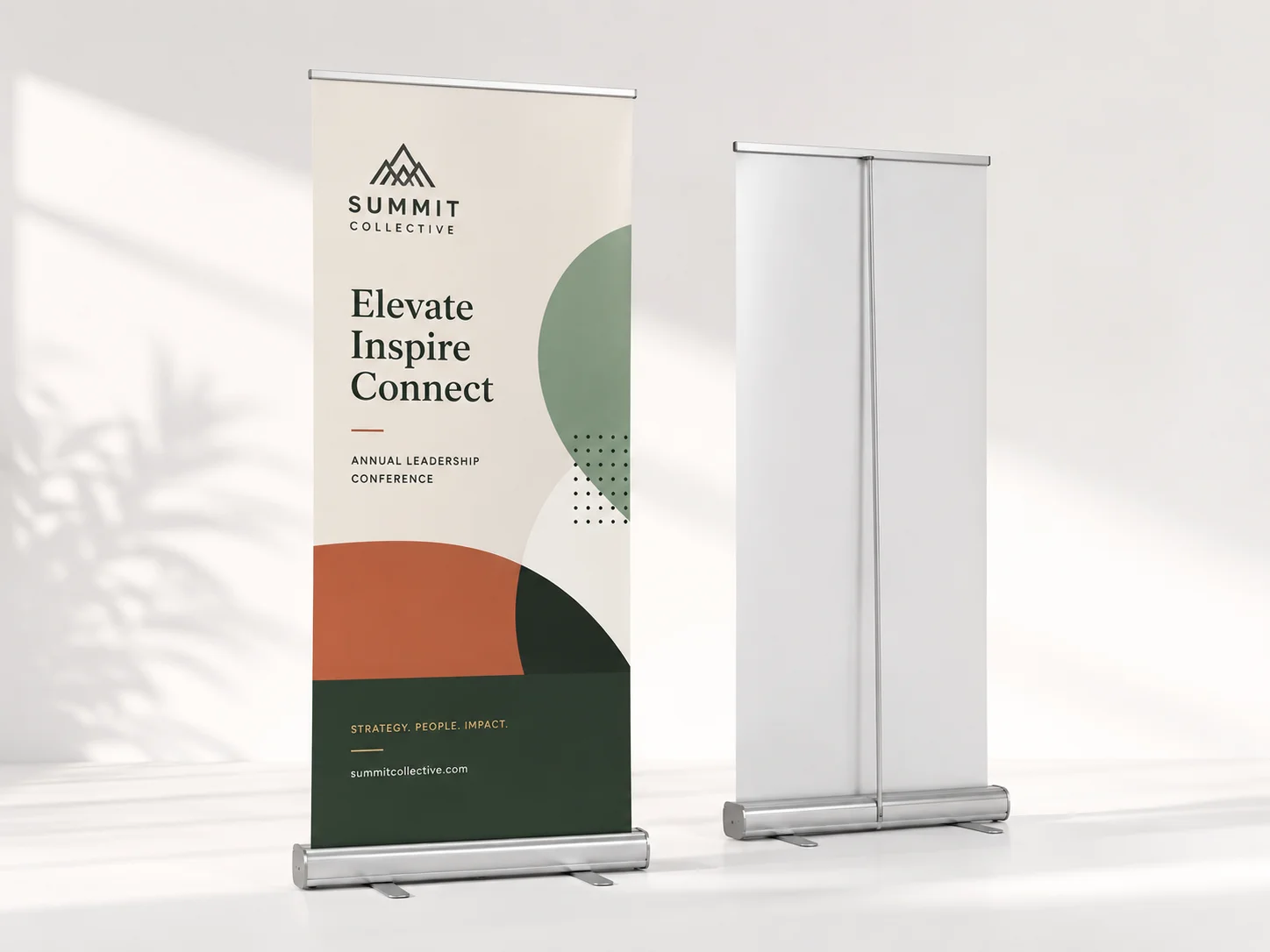
Handle the material before you finalize the layout. Printed fabric banners have a matte, glare-free surface that changes how you treat contrast and shadow in your banner design. If the artwork will hang on a retractable banner stand, check the visible height first.
To Sum Up
The banner resolution question stops being confusing once you split it in two. How far away will people stand, and does every image still hold once scaled to finished size? Hit 150 DPI at full size, keep type in vector, and respect the bleed and safe margin. Do that and fabric banner printing stops being guesswork.
When the file is ready, the rest is choosing a fabric banner printing service that turns it around fast. Pick your size, hem style, and finishing, upload the artwork, and check out at Bizcard. Premium 9oz polyester, printed in the USA, one to four business days, free reprint if anything is wrong.
