








A technician finishing a job has different paperwork needs from an office manager billing through software. One needs signed copies on the spot. The other may only need a paper version of a digital record.
Carbonless Forms And Printed Invoices Support Different Workflows
A multi-part set creates matching copies while someone writes on the top sheet. Carbonless paper transfers the writing to the sheets below without a separate carbon insert. Two-part sets usually serve a customer and the business. Three-part sets add another copy for a technician, warehouse, driver, or accounting file.
Printed invoice forms work better when billing is controlled from the office. The business creates the record first, then prints or emails it. In that situation, invoice printing is mainly about presenting information clearly rather than producing several handwritten copies.
For an invoice for small business use, start with one question. Does more than one person need the same signed physical record before the transaction is finished? If so, duplicate paperwork has a clear purpose.
Field Transactions Need Immediate Copies
Plumbers, HVAC technicians, delivery drivers, repair shops, and rental counters often collect approvals away from a printer. Carbon copy forms let staff write once and leave one copy with the customer. Carbonless invoice forms also keep labor, quantities, delivery acceptance, and payment details consistent across copies.
Office Billing Needs Flexibility
Companies that prepare business invoices from software can reproduce the same document whenever needed. Paper invoice forms are easier to revise when payment terms or service details change. That is where invoice printing services often fit better.
Copy Count Should Follow The Actual Handoff

A two-part set is enough when the customer keeps one copy, and the company keeps the other. Three-part NCR forms make sense only when a third person or department has a defined reason to retain the same record.
Two-Part Sets For Customer And Office Copies
The two copies should have clear destinations from the start. That keeps completed paperwork from circulating between employees simply because no one knows where the second sheet belongs.
Three-Part Sets For Multi-Step Handoffs
A delivery company might split the set among the customer, driver, and billing team. A repair shop may use customer, service desk, and job-file copies.
This is where custom carbonless forms can improve the process. Instead of starting with a generic template, build fields around the people who handle the paperwork. Businesses ready to compare practical set options can review custom NCR forms after mapping those handoffs.
Carbon copy invoices follow the same rule. Before businesses order carbonless forms, every sheet should have a clear destination.
Cost Should Include The Work Around The Paper

The lowest paper price does not always produce the lowest transaction cost. Photocopying, labeling, rescanning, and correcting missing details all add work after the sale.
Carbonless form printing can remove those steps when duplicate records are genuinely required. If the layout is stable, carbonless forms in bulk may also make sense for businesses that use the same paperwork every day.
Standard invoice printing can be more economical when only one paper copy is needed. Invoice printing services also give businesses more freedom to revise a design before the next run.
Compare cost per completed transaction instead. Include copying, rewriting, missing signatures, and filing rather than looking only at sheet price.
Form Design Should Reflect Daily Work
A good business form makes the next action obvious. Staff know where to write, customers know where to sign, and accounting can read the result without clarification.
Fields That Support The Transaction
Custom carbonless forms should include only fields that help complete or trace the job. Contractors may need job numbers, labor, materials, authorization, payment method, and technician names. Rental businesses may need asset numbers, condition notes, return dates, and signatures.
Writing Space And Binding
NCR form printing also needs realistic writing space. A layout that looks neat on a monitor can feel cramped on a clipboard. Testing the artwork at full size catches that problem early.
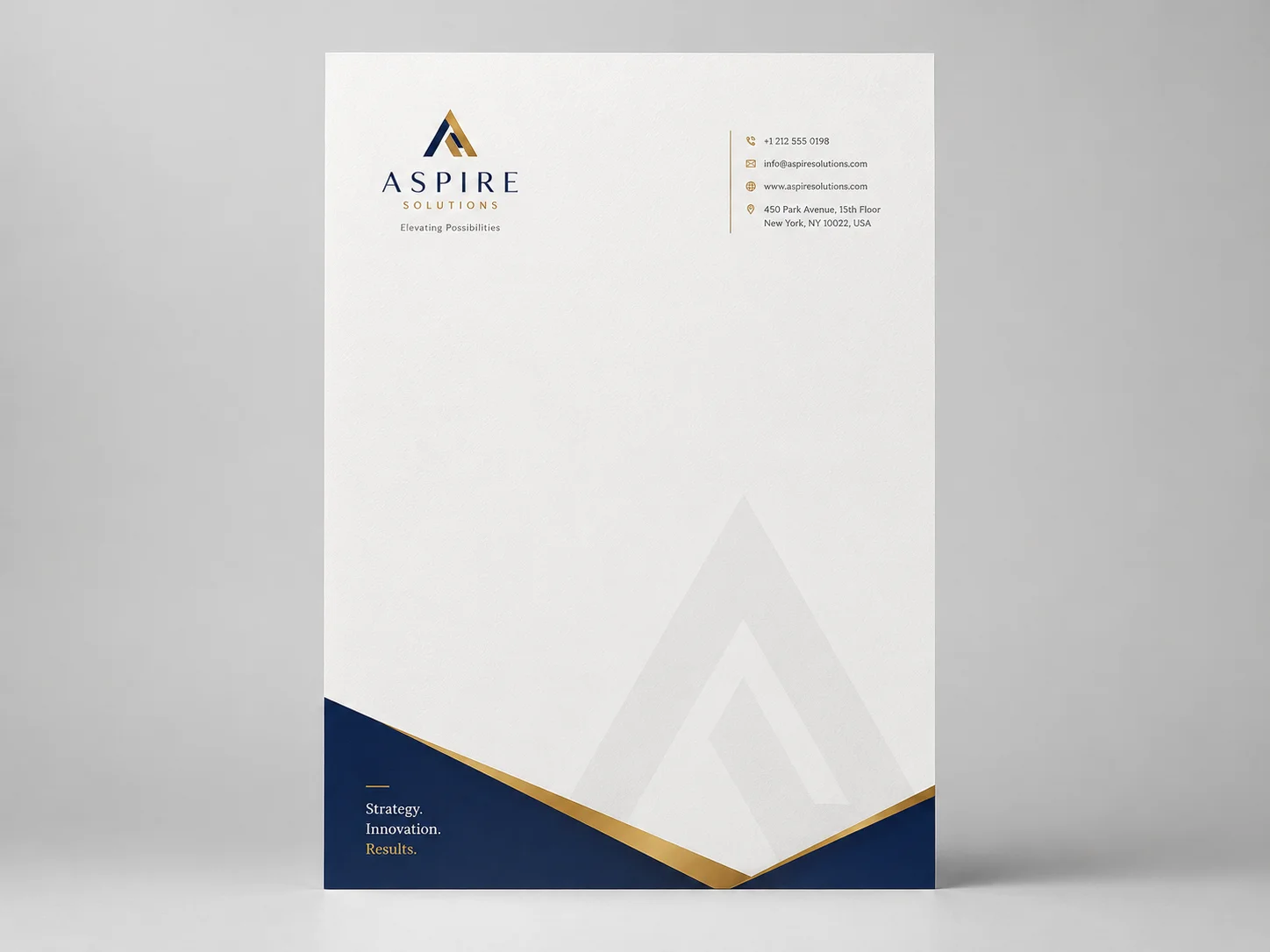
The same applies to custom invoice book printing. Bound books used in service vehicles need a layout that is quick to complete and easy to keep together. Businesses that use matching office materials can keep forms and related pieces consistent through business stationery options rather than designing each item in isolation.
Record-Keeping Starts With A Traceable Document

The IRS lists invoices and receipts among the supporting documents businesses should keep because they support entries in business books and tax returns.
“It is important to keep these documents because they support the entries in your books and on your tax return.”
A practical system gives each transaction a reference number and carries it into accounting. The paper copy can then be scanned or filed under the same reference.
Receipt books should follow the same routine for in-person payments. Older offices may use the term invoice copy paper for duplicate records, but the filing method matters more than the name. Invoice books and digital records should show the same customer, amount, date, and payment status.
Proofing Should Reproduce A Real Transaction
Before approving the final run, complete a sample with realistic information. Use a long customer name, several line items, a detailed description, payment information, and a signature. Then inspect the lowest sheet for legibility.
Check company details, numbering, tax fields, totals, copy labels, and signature areas before visual polish. Then test handling. Loose sets suit filing and counters, while bound books are easier to control between jobs.
Businesses planning to order carbonless forms should test a small run before moving to bulk orders. The same caution applies to custom invoice book printing when a large quantity may remain in storage for months.
For companies with several locations or approved brand files, business printing services can be useful when ordering control and consistent artwork become part of the workflow.
Choose The Format That Fits The Work Environment
Field service and delivery businesses often need carbonless invoices because the customer can leave with a signed record while the company retains the same information. Carbonless invoice forms also help when proof of delivery, service approval, or item quantities must stay consistent.
Consultants, wholesalers, agencies, and recurring-service companies may prepare invoices after the work is complete. Printed invoice forms can provide the customer copy while accounting software remains the primary record.
For an invoice for small business billing, flexibility often matters more than duplicate creation. Paper invoice forms can be revised without replacing a large stock of preprinted multi-part sets.
Carbon copy invoices and other NCR forms remain most useful when the transaction itself creates the record. Standard invoice forms are usually enough when the record already exists before the paper is printed.
A Final Check Prevents Expensive Reprints
Before approving carbonless forms printing or a run of business invoices, check the workflow as carefully as the artwork.
Name every person who needs a physical copy
Decide where the document will be completed
Confirm whether a signature or proof of delivery is required
Add numbering when transactions need to be traced
Leave enough room for handwriting
Check the lowest copy for legibility
Confirm who enters the transaction into accounting
Review size, binding, perforation, and copy labels
Test one complete transaction
Approve quantity only after the format works
This review also applies to NCR forms printing, carbon copy forms, and invoice copy paper. The bigger risk is ordering paperwork that does not match the way staff work.
Conclusion
The better format is the one that removes work after the customer signs. Follow one real transaction from the first entry to the final accounting record. If several people need matching copies immediately, a multi-part format has a clear job. If the record already exists digitally, a standard printed invoice is usually simpler.
Once the workflow is settled, BizCard can help turn the tested layout into finished paperwork without adding unnecessary steps.
Compare cost per completed transaction instead. Include copying, rewriting, missing signatures, and filing rather than looking only at sheet price.


