






You hand someone a card. They scan the code. Two seconds later, your page is open on their phone, and that is the moment that counts. Do they save your number? Book a call? Look at your work? Or close the tab? Most of that gets decided before they scroll once.
Plenty of cards fail right here. The code works fine. The page behind it just doesn't fit why the card changed hands. Maybe it's a homepage with six menu items. Maybe it's a link list with every social profile the person has ever made. Whoever scanned was interested a minute ago, and now they have homework.
So pick the second step first. Before fonts, before colors, before anything gets designed.
Why Business Cards Lose Momentum After the Scan?
Nobody scans a card because they're dying to browse your whole website. They want one thing from you, and it's usually tied to whatever the two of you just talked about.
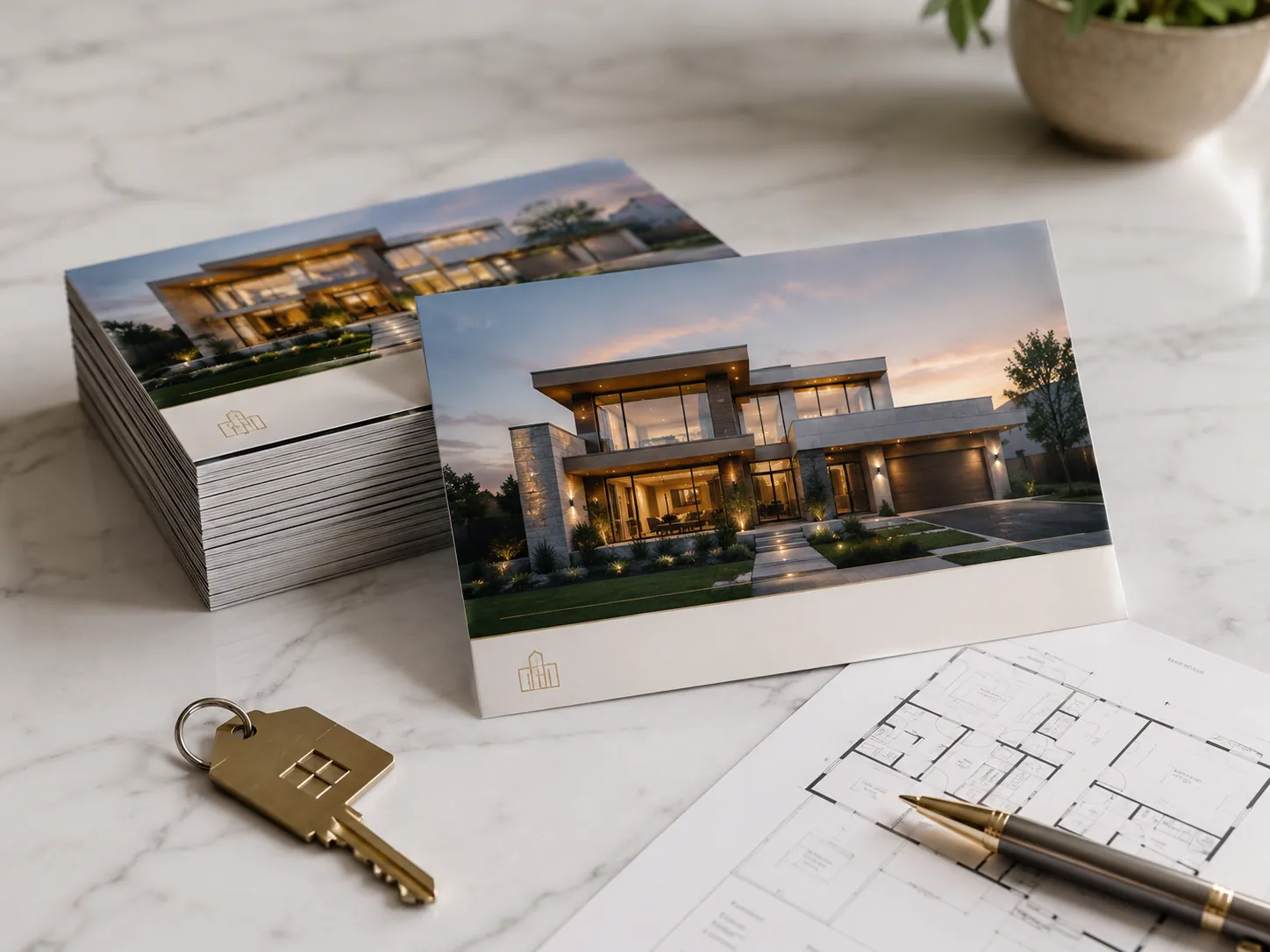
Take three people at the same event. A real estate agent wants a buyer to keep her number and look at one listing again that night. A photographer wants someone to flip through ten good shots. A consultant wants a slot on the calendar. Three cards, three jobs. Sending all of them to the same kind of page makes no sense.
Wording matters here too. "Save my contact" is clear. "View recent projects" is clear. "Scan me"? Scan me and get what, exactly?
Match the Destination to the Conversation

If swapping details is the whole point, a digital contact card does the job. Name, role, company, phone, email, and a save button, all visible without scrolling. That's it.
A digital business card can hold more, sure, but only when the extra stuff helps with the follow-up. A short portfolio might earn its spot. So might a booking link or a single service page. Five unrelated links won't.
Networking and Contact Exchange
Events are a blur. People pick up a dozen cards in an hour and forget most of them by dinner. So the save button goes at the top. Bio, social feed, and gallery can wait. If someone has to scroll to find your phone number, you've already made them work for it.
Sales and Service Follow-Up
Say a rep spends ten minutes explaining one service. Then the prospect scans the card and lands at the top of the company homepage. Conversation wasted. A page about that one service, or a link to book a meeting, picks things up where the talk stopped. A contractor might send people to a quote form. A designer might show a few chosen projects with an inquiry button underneath.
When the digital part feels like a continuation of the handshake, a smart business card earns its name. When it feels like a separate chore, it doesn't.
Print Setup Still Decides Whether the Code Works

Where to print a QR code on a business card requires more than choosing a location. There are considerations about the surrounding area. The camera of the phone needs enough area to detect it.
Make sure there is contrast on the code. Avoid too much clutter around it. Make sure the code is at least 0.8 inches wide that gives most phones enough room to scan.
Always make sure you follow your printer's instructions. Some printers need larger sizes. Always do a test print.
On a regular 3.5 x 2 inch card, room runs out quickly. Before you pick a spot for the code and its call to action, read through the artwork requirements for standard business cards so you know where the safe zone and bleed sit.
Then claim the QR area early, while the layout can still shift. Squeezing it in after the logo, name, and contact lines are locked rarely goes well.
Test at Real Print Size
A code that scans off a big monitor hasn't proved anything. Export the final file, look at it at actual size, and scan a physical proof if you can get one. Try two or three phones in normal indoor light, not just your own phone next to a bright window.
Approve QR code business card printing only after the paper card scans as easily as the screen did.
Give the Recipient a Reason to Scan
The short line next to the code can make or break the whole thing.
"Scan to save my details" promises something clear. "Check current availability" suits a service business. "View the collection" works when you sell products. Compare any of those with "QR code" or "Scan here" and it's not close.
A business card maker will line things up neatly, but it can't tell you which action deserves top billing. That comes from why the card exists. A business card creator is the same story. It handles spacing and hierarchy just fine, and the message is still your job.
Choose Static or Dynamic Before Printing
Static codes are fine when the link will never change. Dynamic codes are better when it might, and it often does. People switch roles. Portfolios get refreshed. Booking pages move. Campaigns end.
Make the call before custom business card printing begins. Finding out after three boxes have shipped is a painful way to learn.
Keep the First Mobile Screen Focused
Some people need two versions of themselves, one for networking and one for sales. A second digital contact card can cover that, as long as each one makes its purpose obvious within a second or two.
The first screen has to answer three things quickly. Who is this? Why am I here? What do I tap next? A sales page built as a digital business card might show one service, one proof point, and a meeting button. The networking version can just lead with save contact.
Service providers can borrow the same idea. Picture a plumber whose smart business card opens on the exact repair you talked about, with a "book a visit" button right underneath. Done. The hard part is over.
Measure What Happens After the Scan
A scan count tells you the page opened. That's all. It doesn't tell you whether the card did its job.
What you track depends on the action you planned. Networking cards can be judged by saved contacts. Sales cards by booked meetings. Service cards by calls, form fills, or quote requests.
If scans look healthy but nobody follows through, check the landing page before you touch the code. A slow load, a vague button, branding that doesn't match the card, or too many choices can each break the handoff by themselves.
Let Stock and Finish Support the Layout
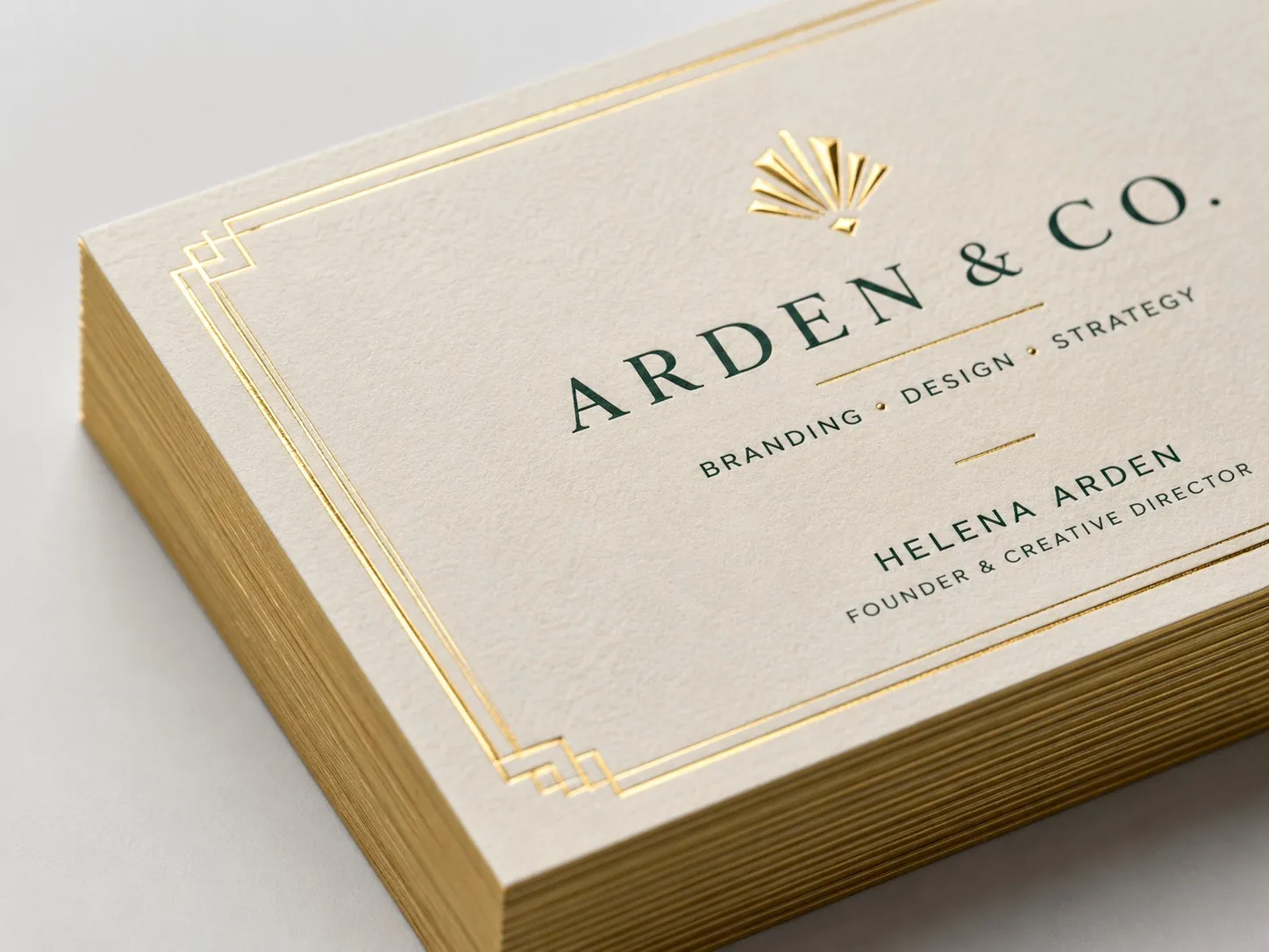
A good business card printing service can offer thicker stock, coatings, rounded corners, and specialty finishes. Nice options. They matter after the layout works, though, not before.
For a card that feels sturdier in the hand, 16PT business cards go well with a design that already leaves open space around the QR area. Heavier stock should improve how the card feels. It shouldn't make the code or the contact details harder to read.
Coatings are worth a quick question too. A glossy finish can throw glare across the code under bright lights, so ask about it during custom business card printing and not after the boxes arrive.
Complete a Full Preprint Check
Before you send files to a business card printing service, test the whole trip from paper to phone. Looking at the artwork alone won't catch much.
Pick one main goal for after the scan.
Make sure the CTA says what the person gets.
Scan the artwork at final size.
Get a printed proof if at all possible.
Open the landing page on more than one phone.
Go through the form, call, booking, or contact save yourself, start to finish.
Check every phone number, email address, and link.
Leave at least one printed contact method on the card, in case the code fails.
A business card maker helps with last-minute spacing fixes, and a business card creator keeps things consistent when you're making cards for a whole team. Neither one should be used to fill empty space just because it's there.
To Sum Up
The best business cards make the next step obvious before anyone raises a camera. The code is only the bridge. Pick the goal first. Build the landing page around it, protect the code in the layout, write a CTA that names the benefit, and test the full journey at real size.
When your design is ready, BizCard can print it as finished business cards that carry people from the paper straight to what comes next.


