

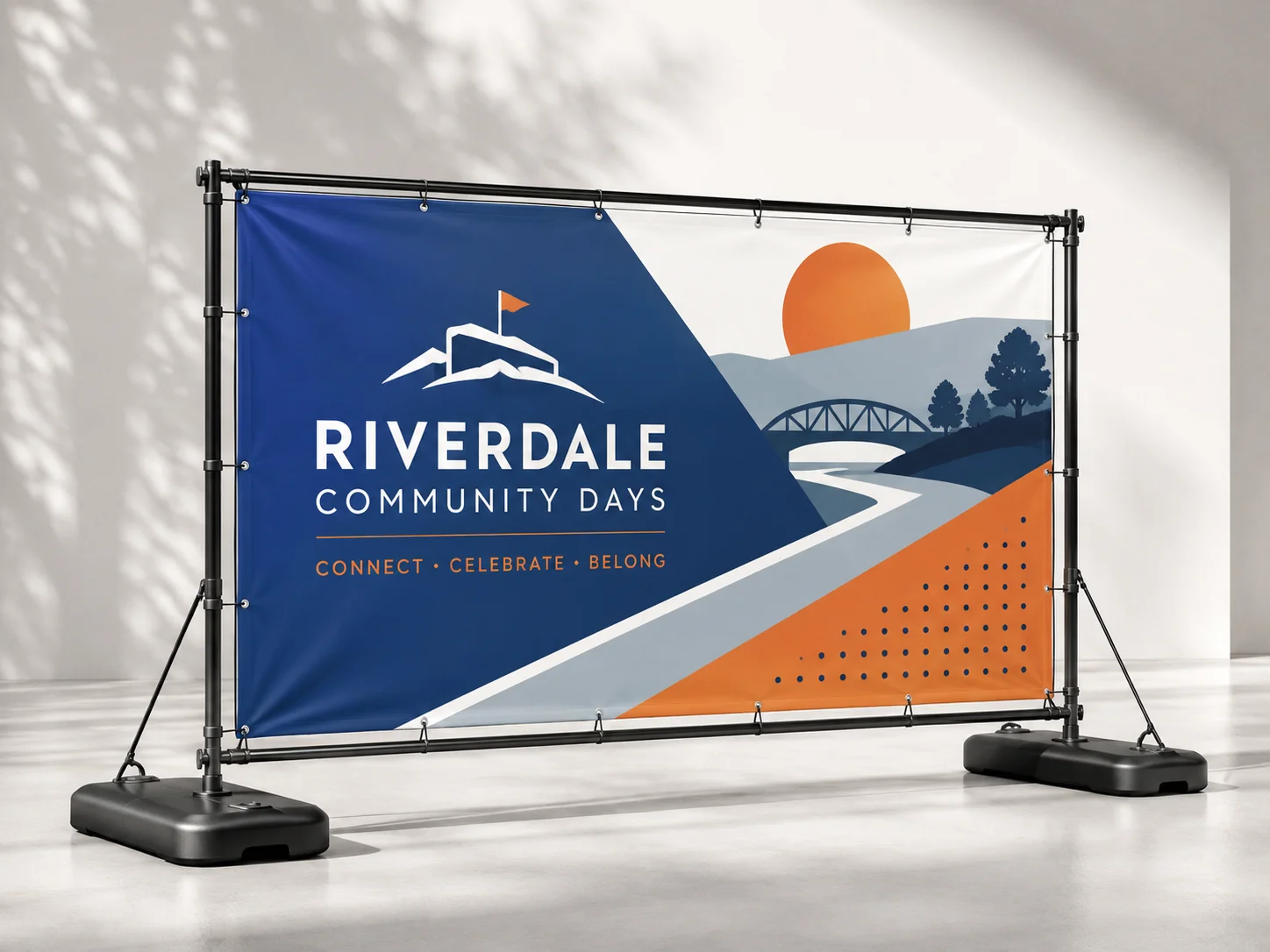



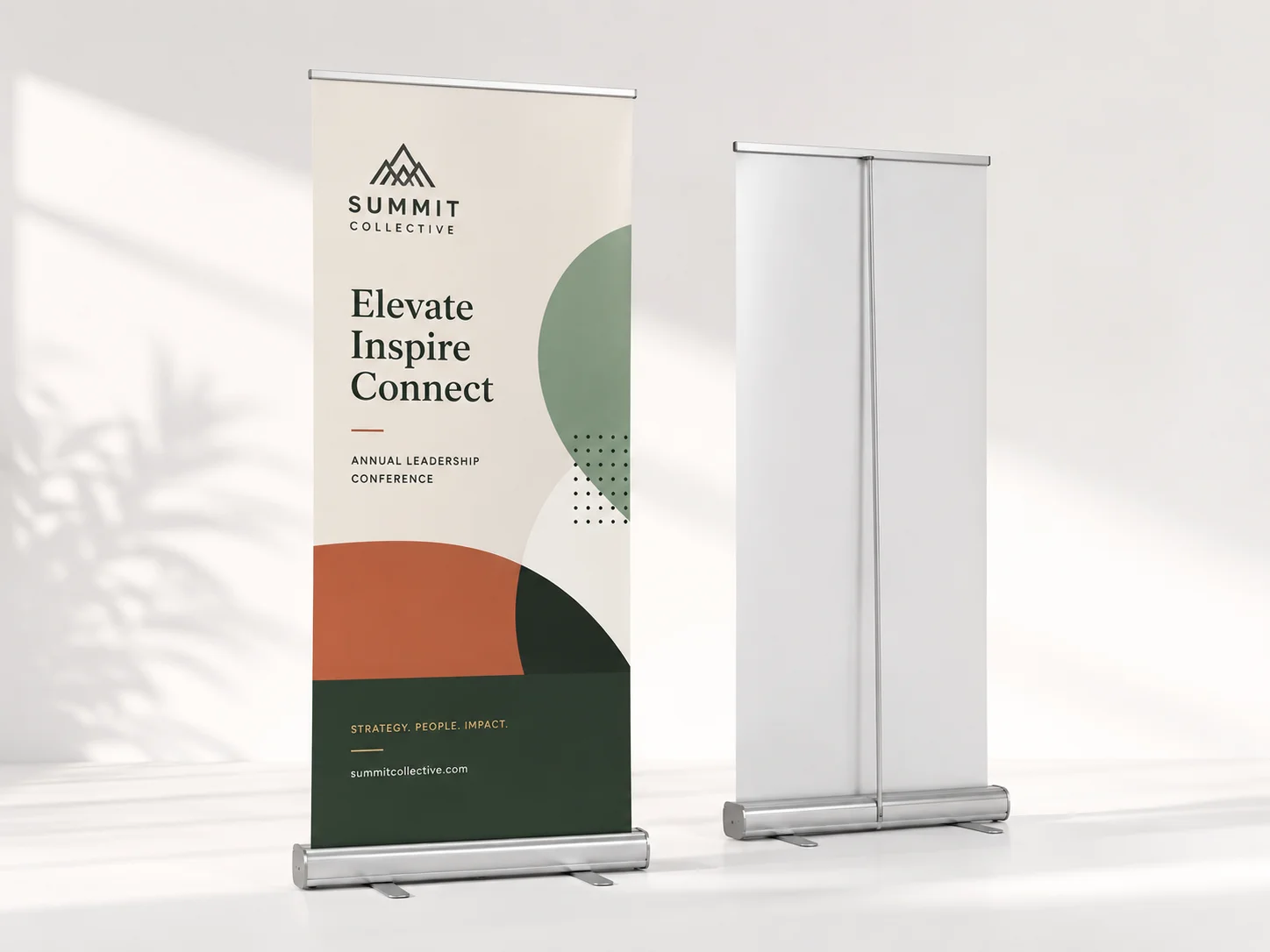

A business card printed slightly wrong goes in a pocket. A 40 by 60 inch poster printed slightly wrong goes on a wall, at eye level, for a month. Scale is the whole problem with large format posters, because every soft edge and every fraction of trim drift gets magnified along with the artwork.
Almost all of it comes down to six decisions. Finished size, resolution set by viewing distance, a quarter inch of bleed, CMYK color, cap height of 1 inch per 10 feet, and a stock chosen for the room. The ten tips work through them in that order.
Why Large Format Posters Fail Before Printing?
Nearly every reprint we handle comes from one of three causes. The artwork was built at the wrong scale. The message could not be read from where people actually stand. Or the stock was picked on price rather than on location.
The file we send back most often is a 24 by 36 inch poster laid out on a letter-sized artboard and enlarged at the last minute. None of that is a press fault, and all of it gets fixed before the order goes in.
There is money in the difference. The Sign Research Foundation reports that 36% of American consumers visit a new store because of the quality of its sign. Good poster printing still works at 9 p.m. with the lights off, so choosing large format printing services on turnaround alone is a false economy.
Get The File Right Before Upload

1. Build The File At Full Size
Set the artboard to the finished trim size. A 24 by 36 inch poster is a 24 by 36 inch document, not a letter layout you enlarge later. If the file becomes unwieldy, work at half scale and double the DPI.
Keep logos and headline type as vectors, which carry no fixed pixel count and stay clean at any size. That habit removes most sharpness complaints in poster design, and it is the first thing an online poster printing team checks. Large format posters punish a scaled-up file faster than any other product.
2. Set Poster Printing Resolution By Distance
Full size settles the shape. Resolution settles the sharpness, and 300 DPI is not the right answer for most posters. The eye resolves less detail the further back it stands, so the number should follow the viewing distance.
Counter cards read at arm's length — 200 to 300 DPI
Lobby and hallway walls read from six to ten feet — 150 DPI
Window and stairwell graphics read from twenty feet — 100 to 120 DPI
Do the multiplication once. A 24 by 36 inch poster at 150 DPI needs 3,600 by 5,400 pixels, and a 1,200 pixel website photo will never fill that, whatever the upscaler promises. If you are unsure, ask the poster printing company what their press runs.
3. Add A Quarter Inch Of Bleed
Sharpness handled, the next risk is the cutter. Small-format work runs on 0.125 inch of bleed. Large sheets pass through more handling and longer cutting paths, so 0.25 inch on every edge is the safer default for large format posters.
Push backgrounds and photographs past the trim line. Pull headlines, logos, and QR codes at least half an inch inside it. Most poster printing services list their figures on the product page, and theirs beat any downloaded template.
4. Convert Your Artwork To CMYK
Geometry is correct, which leaves color as the last file decision. Presses used for large format printing run CMYK inks, so an RGB file gets converted somewhere. Do it yourself, while you can still see what moves. Screen blues and hot oranges are the usual casualties.
Large black areas need a rich build rather than 100% K alone, or they print as dull charcoal. Around 60C 40M 40Y 100K gives real depth, and small text stays on 100% K so it holds its edge. Flatten transparency, embed the fonts, and export a print-ready PDF with the PDF/X-1a preset. TIFF and high-resolution JPG are accepted too, though neither carries live type.
Design For How People Will See It

5. Size Type For The Room
A file can be technically perfect and still fail on the wall, because large format posters are read at distance rather than on a screen. The United States Sign Council legibility index gives you the number to work from. Roughly 1 inch of capital letter height reads at 10 feet in good light with strong contrast.
Across a shop floor, about 30 feet — 3 inch caps
Across a parking lot, about 60 feet — 6 inch caps
From a building face, about 100 feet — 10 inch caps
Those are floors rather than comfort levels. People read while walking and carrying bags, so one size up is almost always right. Poster type is not a scaled-up brochure type, and the same Harris Poll found 91% of Americans rate an easy-to-read font as important.
6. Give The Poster One Clear Job
Type size fixes legibility. Hierarchy fixes attention. Decide what a stranger should do after reading, then remove everything that does not serve that decision. Sound poster design carries a headline, one supporting line, one action, and a brand mark, in that order of size. Strong contrast beats a clever palette every time.
7. Match Poster Printing Sizes To The Wall
Measure the space before you pick a number. Standard American options are 18 by 24, 22 by 28, 24 by 36, 27 by 40, and 36 by 48 inches, and they exist because they fit stock frames and common wall bays.
You are not stuck with them. Large format posters print on roll stock up to 59 inches wide and 120 inches long, which covers stairwell runs and full-height retail panels, and because they are priced per piece an odd size costs no more than a standard one. Custom poster printing earns the extra ten minutes with a tape measure, since it keeps your poster dimensions matched to the wall rather than a catalog.
8. Choose Poster Printing Paper By Location
Size and layout settled, the remaining choice is physical. Where the piece hangs decides the stock. An 8 mil gloss photo paper gives saturated color for retail work. A 12 pt C2S blockout stock is the one for windows, because its opaque core stops daylight behind the sheet from washing the image out. A lightbox needs translucent film, which is what backlit lightbox posters are printed on.
Laminate anywhere hands, carts, or weather reach the surface. Matte laminate also kills spotlight glare, the most common complaint we hear about otherwise good work. A poster in a south-facing window fades faster than the same print in a hallway.
9. Order One Test Print First
Stock chosen, prove it before you commit. Print an actual-size crop of the busiest part of the artwork on an office printer, then tape it to the wall at the real viewing distance. Type that looked bold on a monitor shrinks on plaster.
After that, buy one real copy. Cost in large format printing tracks square footage and finishing rather than quantity, so a single proof of large format posters is cheap beside a wasted run, and affordable poster printing stops being affordable the moment you reprint. Volume raises the stakes, because offset everyday poster prints start around 25 copies. Large poster printing services that let you buy one first are worth choosing for that reason alone.
10. Plan Shipping And Mounting Early
The proof is approved, so what remains is getting the job onto the wall intact. Big prints ship rolled and arrive with a curl that wants a day to settle. Let them relax face-up under a flat weight, and never roll them backwards to fight it. Foam board, snap frames, and grommets each change the safe margin, so check the fixture before the file is final.
Lead time matters as much as mounting. Poster printing services quote production separately from shipping, so a one to four day turnaround still needs transit days on top. For an event, work backwards from the install date, and our trade show planning checklist covers the rest of that schedule.
Bottom Lines
Three questions decide everything above. Where will it hang, how far back will people stand, and how long must it survive. Answer those and your size, resolution, and stock choose themselves, which is where large format posters stop being a gamble.
Set the document to finished size, add the bleed, size the type for the room, order one test copy, then run the job. Start your custom poster printing order at BizCard, where affordable poster printing runs from a single copy and every file is checked before it reaches the press.
