






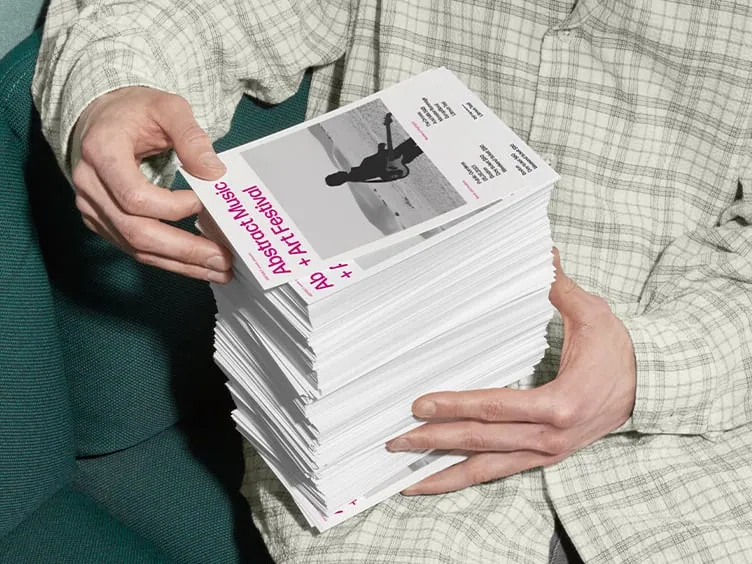

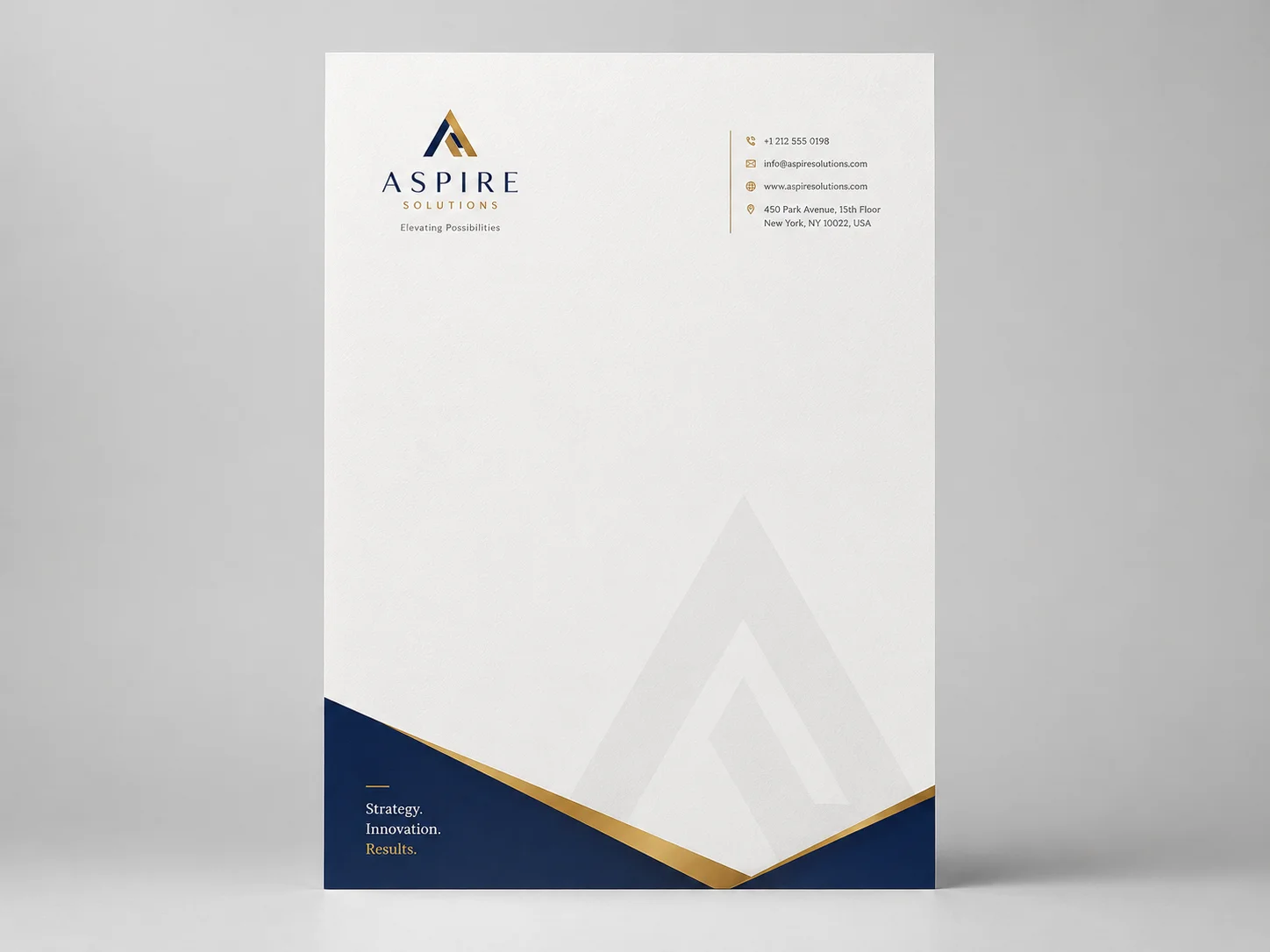


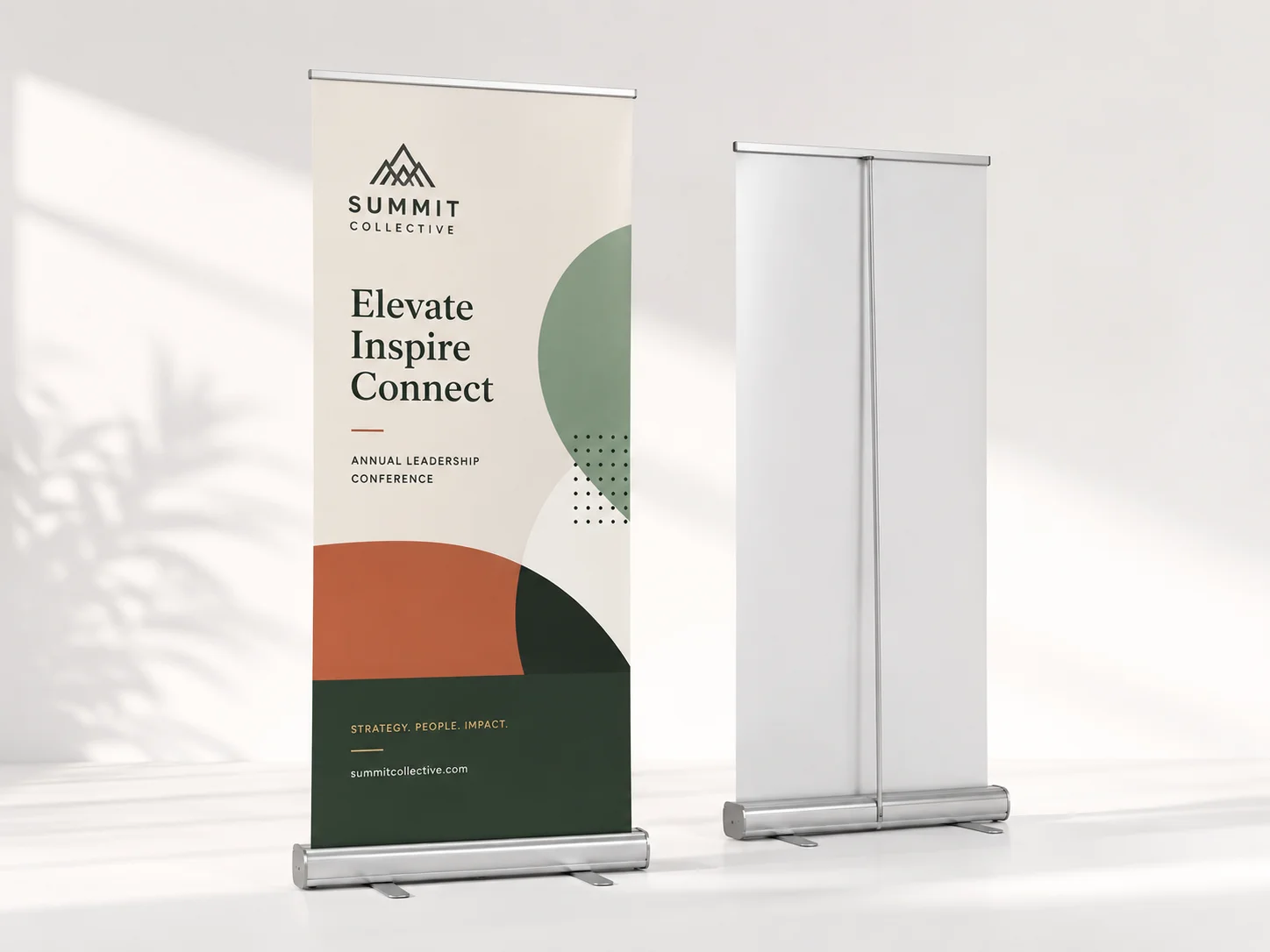

Take a dental group with nine offices. One reorders appointment cards from the shop next door, another still hands out cards with the old logo, and the newest location runs its own print jobs on copier paper. Nobody did anything wrong, exactly. There was just no standard to follow.
The International Franchise Association predicts there will be approximately 845,000 franchise units across the United States by the year 2026. Additionally, both banks and medical clinics are adding many additional locations.
Most multi-site marketing groups can solve this challenge through a series of five practices. These include having a standards guide; locking down templates; creating a single order process; obtaining signed color proofs; and establishing a schedule for ordering and auditing.
The Main Causes Of Print Drift Across Locations
Drift rarely comes from one bad decision. It builds up from small, sensible ones. A manager needs 200 flyers by Friday, can’t find the current file, and grabs last spring’s version off the shared drive.
Someone else runs out of 16 pt stock and settles for whatever the local shop has. A year later, there are five versions of the same card and no record of who approved them.
Without shared print fulfillment or one folder of approved files, nobody owns the whole picture, so brand consistency slips without anyone deciding to let it.
The Print Standards Kit Every Location Needs

Printing standardizations start with a basic set of materials. These include the specifications and digital files a printer uses to create a job by the end of each day. If your organization has developed a physical branding program, then this kit will be the component used to carry out the program on a regular basis.
Logo, Color, And Font Files
Save the logo in vector formats (AI, EPS, or SVG) in full color, single color, and reversed. For each of the colors used in the branding, provide a Pantone Number, a CMYK Build, and a HEX Code, as ink and screen do not create color the same.
The font files and minimum size of your logo will be kept within the same folder. This is to remain as a "view-only" file, and will make managing your brand easier since no one will have to go through old emails from years ago to find your logo
One Spec Sheet Per Item
Every item the stores order gets a one-page spec sheet. Each sheet covers five things.
Finished size (3.5 x 2 inches for a card, 8.5 x 11 for a flyer)
Paper stock and weight, like 16 pt cardstock or 100 lb gloss text
Finish, such as matte, silk, or soft touch
File rules, meaning a 0.125-inch bleed, 300 ppi images, CMYK color, and PDF/X-4 export
Approved vendor and usual quantity
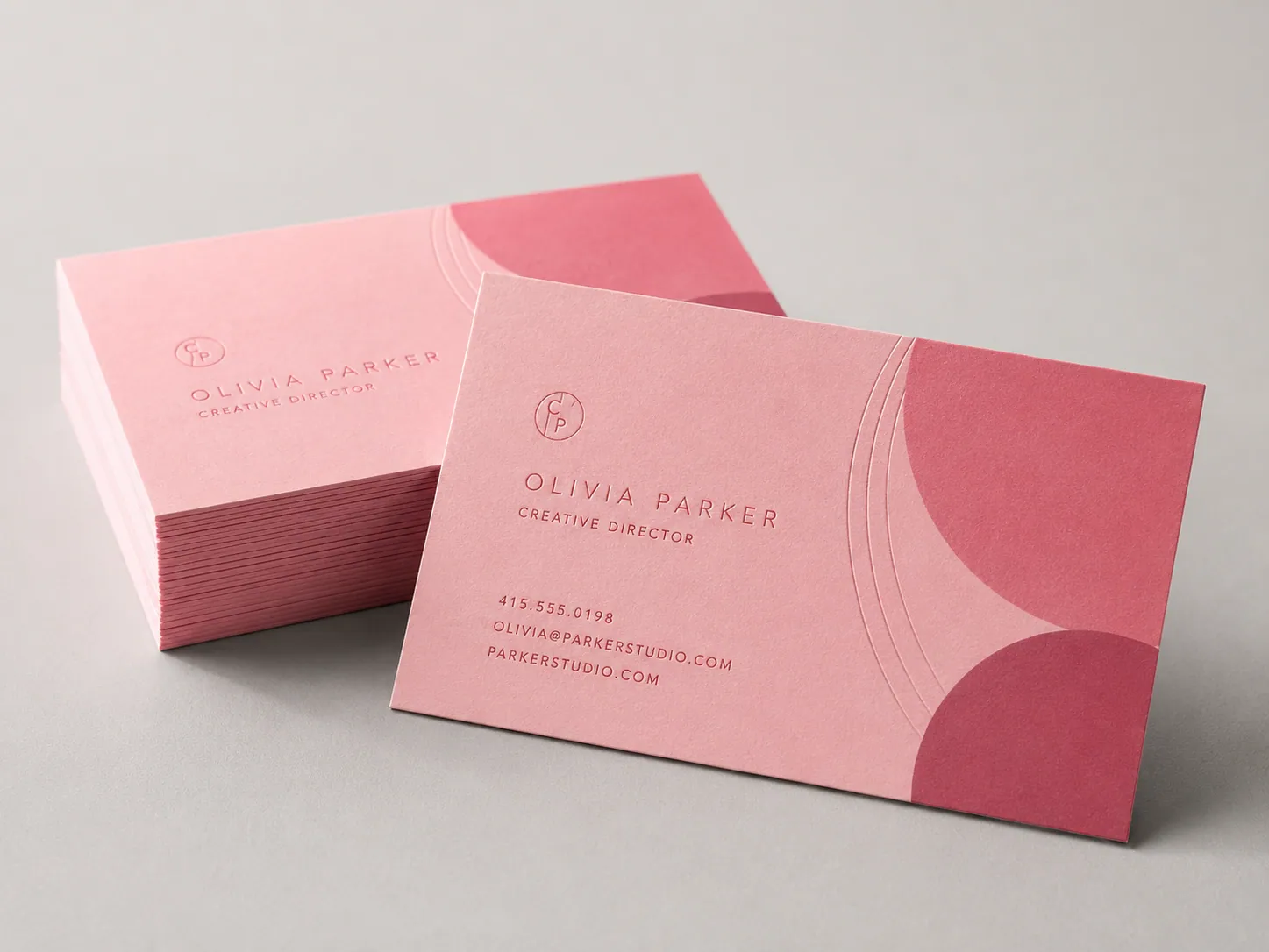
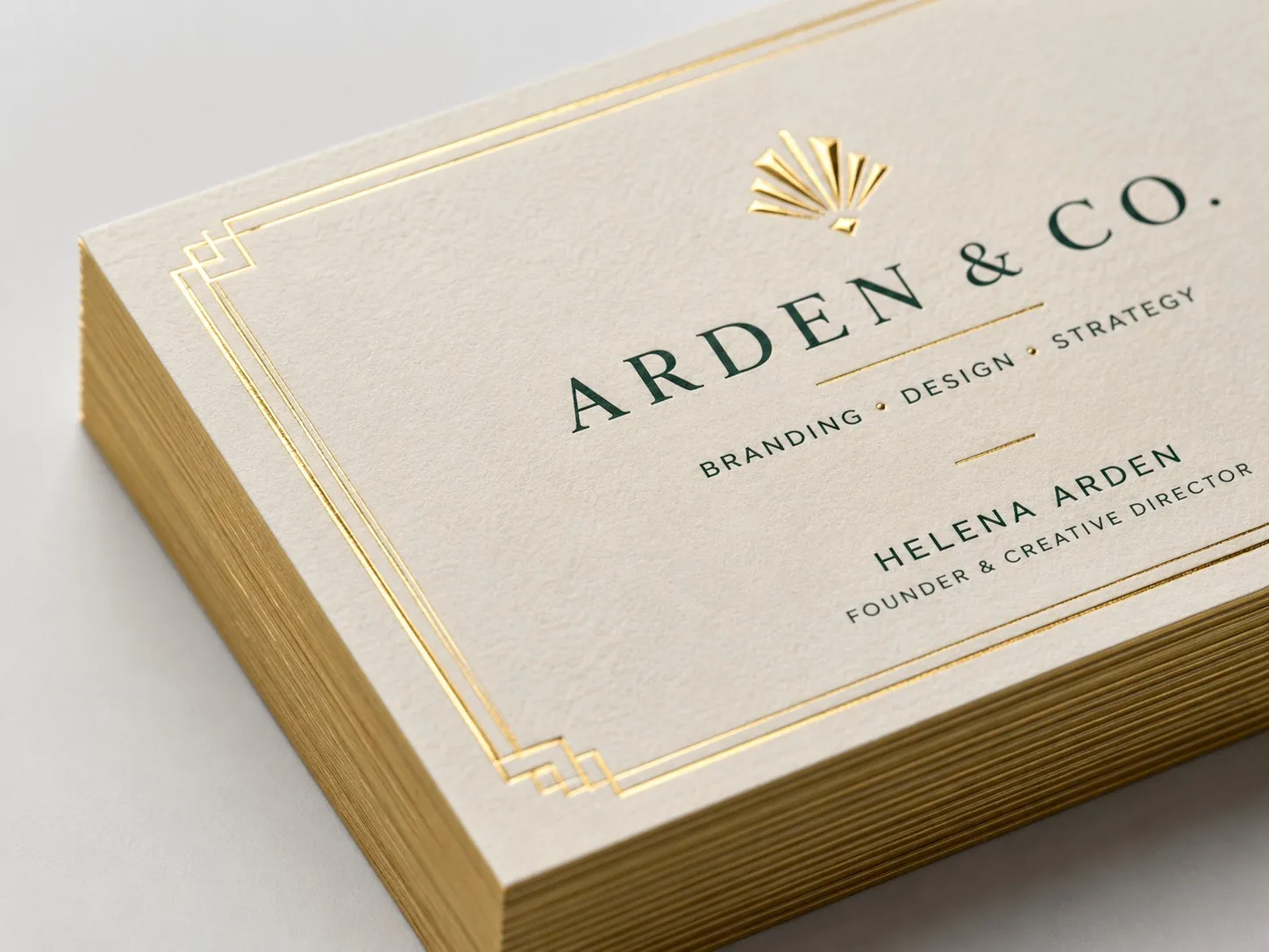
Start with business cards. They change hands more than almost anything else you print, so a mismatch between offices gets noticed fast.
Locked Templates With Room For Local Details
Most template trouble starts with a small request. A store needs a new phone number on its flyer, opens the full design file, and the logo shifts a quarter inch. Splitting each template into two zones avoids that.
Fixed Zone, Corporate Only | Editable Fields, Each Location |
Logo and brand colors | Address, phone, and hours |
Fonts and layout grid | Manager name and title |
Legal lines and disclaimers | State license numbers |
Headline style | Local offer with a word limit |
Brand photos | Branch QR code |
A hard word limit on the offer field stops a long promo from shrinking the headline. Branch QR codes, among the easiest custom print solutions, show which store’s print marketing materials bring people in. Before anything goes out, compare the address and hours on your flyers with that location’s Google Business Profile.
Centralized Print Ordering With Clear Approval Rules

Templates only help if stores order through them. If one office can still walk into the shop across the street, it will, usually on the day it runs out of cards. A single ordering channel takes that option away. Plenty of companies hand the setup to print management services, which host templates and route jobs to approved presses.
One Online Ordering Portal
The usual setup is a web-to-print portal backed by a print fulfillment service that keeps extra stock on hand. Online print ordering from saved templates turns a reorder of 500 cards into a two-minute job. Headquarters can see what each location spends, which makes centralized printing easier to plan around.
Approvals And File Versions
Not everything needs a sign-off. Approved reorders ship the same day, while anything new goes to one named approver, plus a backup for vacation weeks. Name files by item, version, and date, something like flyer-spring-v3-2026-03.
A small job code in the bottom margin then lets staff match the counter copy to the latest file. Bigger networks often move to a business print account for dedicated support and better pricing as volume grows.
Color Matching Across Print Vendors And Materials
Even perfect files can come off two presses looking like cousins instead of twins. So approve color from a signed physical proof, never a monitor, and keep that proof at headquarters. Before you sign with any commercial printing service, ask whether the plant running your job holds G7 qualification.
G7 is Idealliance’s method for matching gray balance across presses and paper. Each facility qualifies on its own and renews yearly, so a national vendor might have one qualified plant and send your job to another.
The same red also looks a little different on vinyl, coated stock, and uncoated paper. Agree with your vendor on how much difference each material can show.
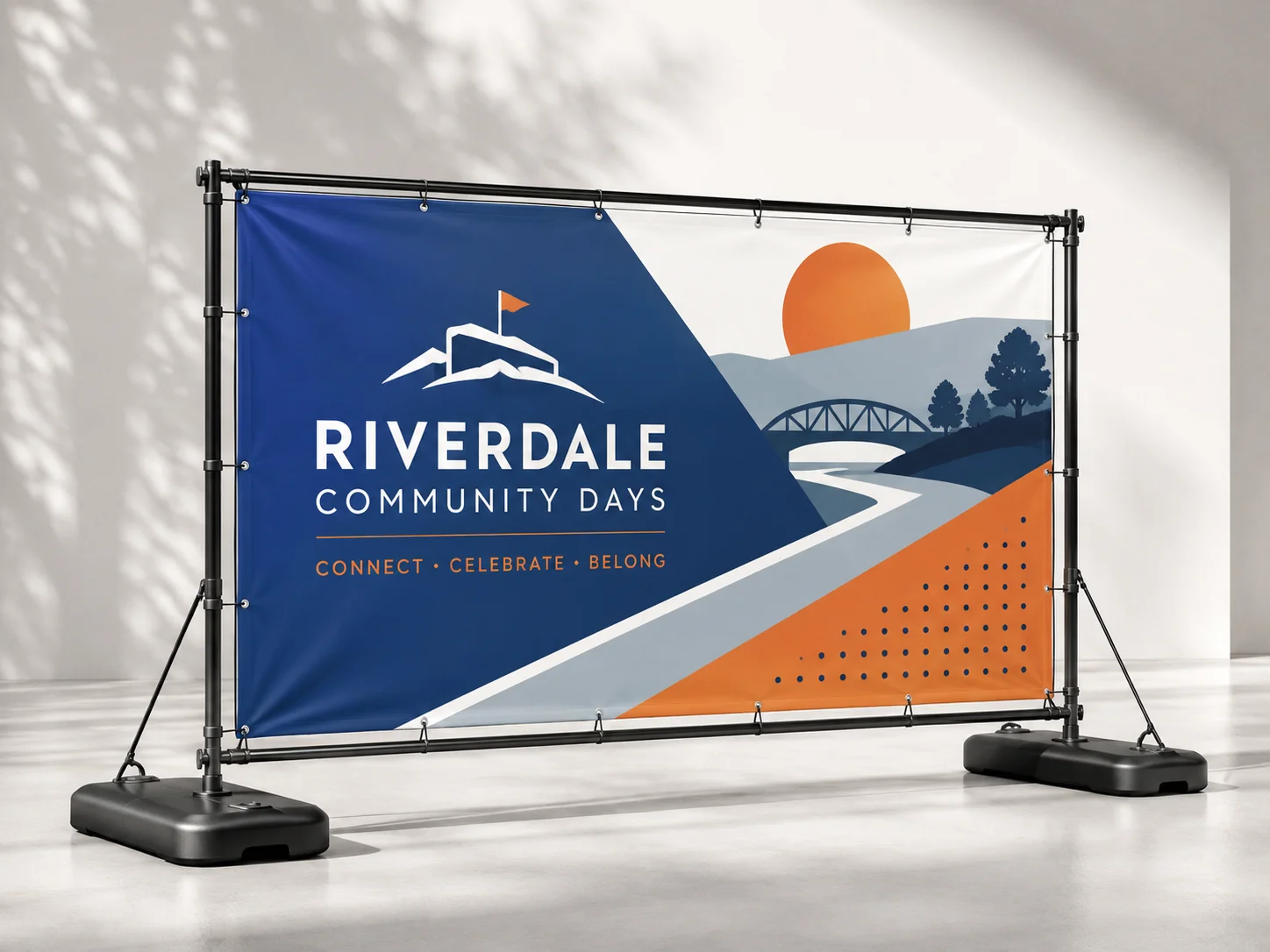
Compare samples under D50 light, the viewing standard in ISO 3664. Banners and window signs deserve the closest look, since people see them from across a parking lot.
Print Rollouts, Reorders, And Store Audits

Most standards hold up fine at launch and slip a few months later, when stock runs low and people improvise.
Opening And Campaign Kits
A new location needs about the same starter set as any new business. This list of what to have ready before launch day is a good place to begin. Pack everything into one labeled box per store. For seasonal campaigns, a print fulfillment service can kit each store’s materials and ship them 7 to 10 days early, so there’s a buffer if anything arrives damaged.
Reorder Points For Everyday Items
Set a minimum count for each item. For example, a store might reorder cards when a box of 500 drops to 100. One person checks stock on the first Monday of the month. With shared print fulfillment shipping backup stock within days, nobody needs a panicked trip to the copy shop. That trip is where off-brand business printing usually starts.
Twice-Yearly Store Audits
Twice a year, ask each location for photos of its front counter and windows. Score them on logo use, color, file version, and local details, then send fresh stock wherever a store falls short. Audits keep brand consistency from depending on memory and make brand management a routine, not a cleanup project.
To Sum Up
You don’t have to fix every location at once. Build the spec sheet and template for business cards this week and add flyers and signs next. After that, move every store to centralized print ordering before the next campaign.
BizCard can help reduce some of the burden of the print job for you with its top-quality printing services, a sample with every print order, and next-day service available for many items. Create online print orders for each location today so they may create a good first impression.


